SSC One Time Registration OTR Online Form 2025
The Staff Selection Commission (SSC) has introduced the One-Time Registration (OTR) online form for 2026. This registration is essential for candidates wishing to apply for future SSC recruitments.
SSC One Time Registration OTR Online Form 2026 (Aadhar Enable)
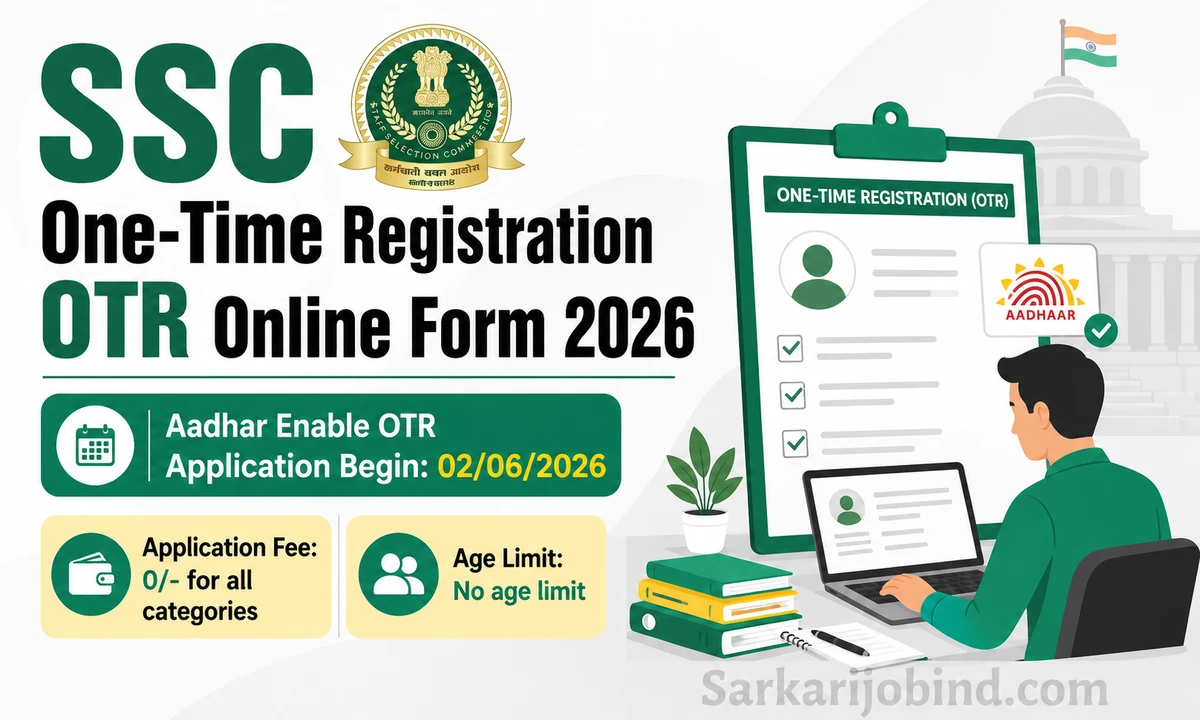
Important Dates
Key dates for the registration process are as follows:
- Aadhar Enable OTR Application Begin: 02/06/2026
- Last Date for Registration: NA
Application Fee
The application fees for different categories are:
- General / OBC / EWS: 0/-
- SC / ST: 0/-
- No Application Fees
SSC OTR Eligibility
Eligibility criteria for the One Time Registration are:
- Registration is required for candidates who wish to participate in any future SSC recruitment.
- There is no age limit for SSC OTR Registration.
SSC Popular Vacancy
Some of the popular vacancies under SSC include:
- SSC Combined Graduate Level CGL Exam
- SSC Multi-Tasking Staff MTS Exam
- SSC Selection Post Exam
- SSC Constable GD Recruitment Exam
- SSC Delhi Police Constable Recruitment Exam
- SSC Delhi Police Sub Inspector Exam
- SSC CPO SI Recruitment Exam
- SSC CHSL 10+2 Recruitment Exam
- SSC Stenographer Exam
- SSC Junior Engineer JE Exam
- SSC Junior Hindi Translator JHT Exam
How to Apply SSC One Time Registration OTR Online Form 2026
Follow these steps to complete the registration:
- Visit the website ssc.gov.in or use the direct link provided on the page.
- Select the New Registration Tab.
- Enter your basic information, including Name, Father's Name, Mother's Name, Mobile Number, Email ID, and Class 10 Roll Number.
- Verify your OTR profile details and submit the registration.
- Enter the OTP received on your registered email and mobile number.
- After completing Part I of the registration, your OTR Registration Number will be displayed.
- Change the default password received via email and log in using your registration number and new password.
- Set a custom password that includes capital letters, small letters, numbers, and special characters, and select two security questions for recovery.
- Log in again and fill in details about nationality, category, visible identification mark, and address.
- Double-check all information using the preview button, correct any errors, and submit the form.
- The registration process is complete, and you can access the dashboard for future recruitments and updates.
- A video guide is available to assist with the registration process: SSC OTR Registration Kaise Kare Video Dekhe(Watch Video)
- For more details, refer to the official notice for SSC OTR.